
Pharmacy configuration
Section Purpose:
This documentation describes the configuration of pharmacy data - a single shared set of information used when generating labels and presented in the application.
Basic Information
Section titled “Basic Information”Pharmacy data is a single shared setting for the entire installation. You will find it under Configuration → Pharmacy configuration. It is printed on labels and visible in the side menu footer.
The configuration contains the following fields:
- Pharmacy name - the full pharmacy name printed on labels.
- Phone number - the contact number.
- Street and number
- City
- Postal code
- Pharmacy logo - an image uploaded to the system, used among other things on labels.
Impact on Labels
Section titled “Impact on Labels”Pharmacy data is used to correctly generate labels. Always keep it up to date - changes are applied to newly printed labels.
View in Application
Section titled “View in Application”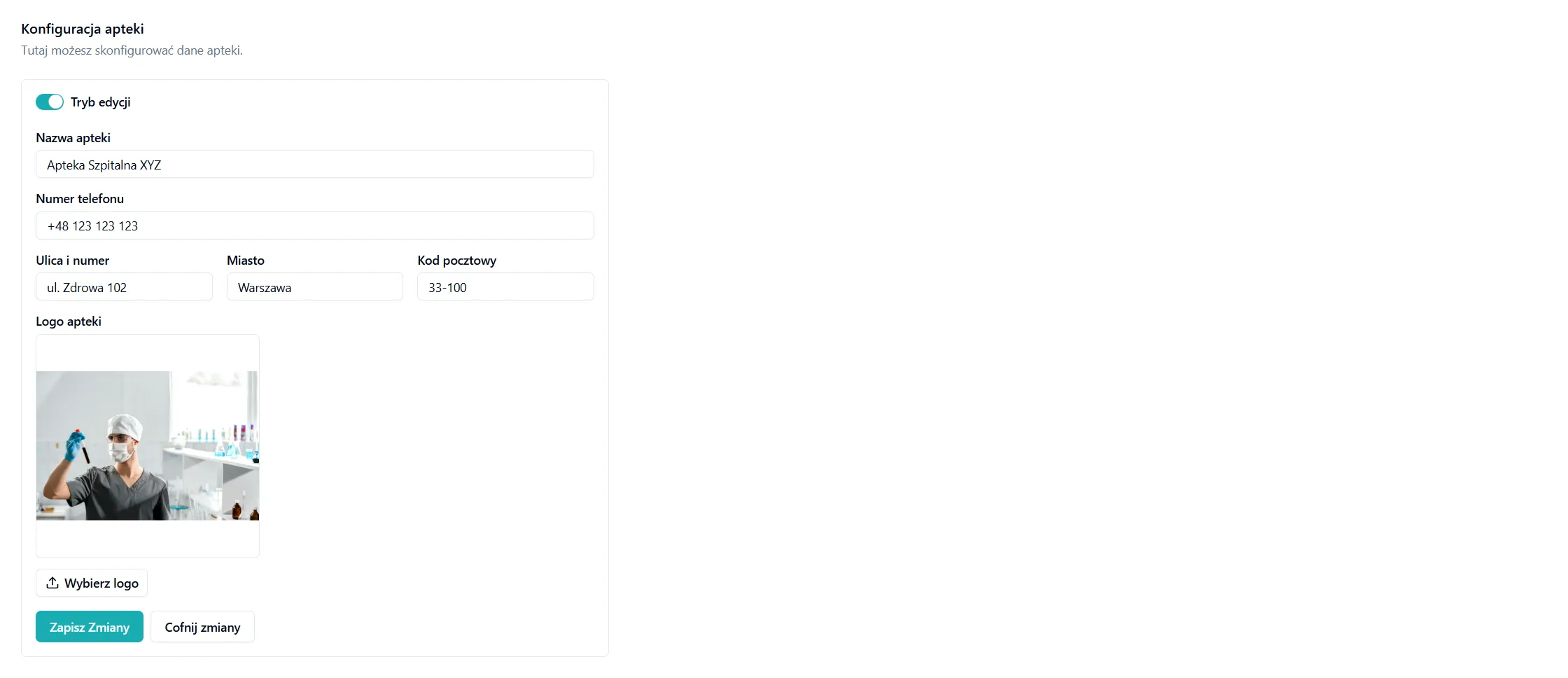
Frequently Asked Questions
Section titled “Frequently Asked Questions”Who can edit pharmacy data?
Editing requires the Pharmacy configuration permission (category Pharmacy). Uploading a logo additionally requires the Add images permission.
Where is pharmacy data visible besides labels?
A summary of the pharmacy data is available in the side menu footer. You edit the full set of data in this configuration.
What should I do if the pharmacy data is incorrect?
Go to Configuration → Pharmacy configuration, update the fields, and save. The changed information will appear on all newly generated labels.